

Get the Red River Bank App
Deposit checks, manage cards, and bank securely from anywhere.
Once downloaded and signed in, you can:
- Check balances, view transactions, and monitor account activity
- Deposit checks quickly using your smartphone camera
- Pay bills and send person-to-person payments with Zelle®
- Receive customizable alerts and notifications
- Secure your account with biometric login and multi-factor authentication
- Manage your debit card and access digital wallet features like Apple Pay
- Find nearby Red River Bank branches and ATMs
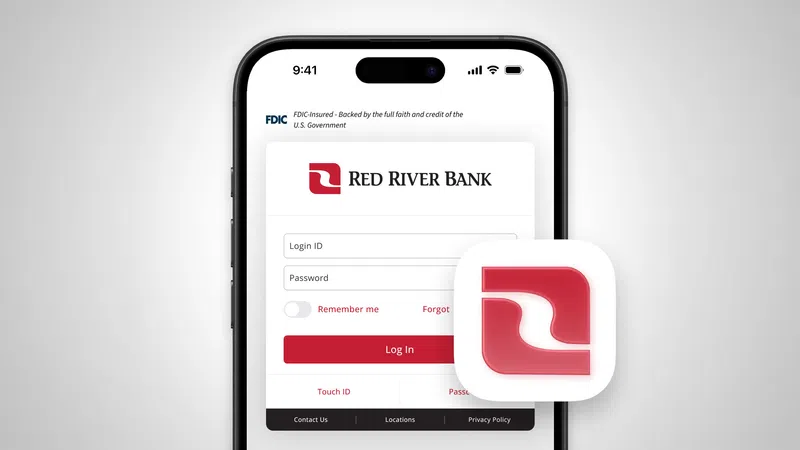
Bank on the go with the Red River Bank app
Access Mobile Wallet, Card Controls, alerts, and more in one convenient place. Manage spending, monitor account activity, and securely access your banking tools from your smartphone.


Frequently asked questions:
1. How do I get started with the Red River Bank app?
Download the Red River Bank app from the Apple App Store or Google Play and log in using your Online Banking credentials. If you are not currently enrolled in Online Banking, you'll need to enroll first before accessing the app.
2. What can I do with the Red River Bank mobile app?
The Red River Bank app gives you convenient access to everyday banking tools from your iPhone or Android device. You can check balances, view transactions, transfer funds, deposit checks, pay bills, manage your debit card, receive account alerts, send money with Zelle®, and locate nearby branches and ATMs.
3. Is the Red River Bank mobile app secure?
Yes. The app includes advanced security features such as encryption, biometric login, and multi-factor authentication to help protect your account information and provide secure access to your accounts.
4. Can I deposit checks and send payments through the app?
Yes. You can securely deposit eligible checks using your smartphone camera through Mobile Deposit. The app also allows you to pay bills and send or receive money with Zelle® using a U.S. mobile number or email address.
5. Is there a fee to use the Red River Bank app?
The Red River Bank app is available free to customers. Standard message and data rates from your mobile carrier may apply.
6. What should I do if my phone is lost or stolen?
If your mobile device is lost or stolen, contact Red River Bank as soon as possible for assistance. You may also be able to disable access through your Online Banking settings.


